1ORIGINAL
Keyboard lead
Opening group
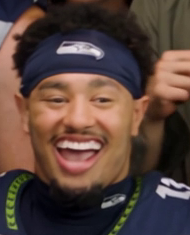
Front center at the keyboard in the opening shot.
ORIGINAL CLIP · CAST ASSIGNMENTS
The reference clip shows more than the opening five. Match your photos to the numbered people below, including those who appear later.
Preparing and saving these assignments starts no generation and charges no credits. Full-reference face matching is still being tested.
01 / FIND THE ORIGINAL PERSON
Real frames from the reference video. Select a numbered head to find its upload card.
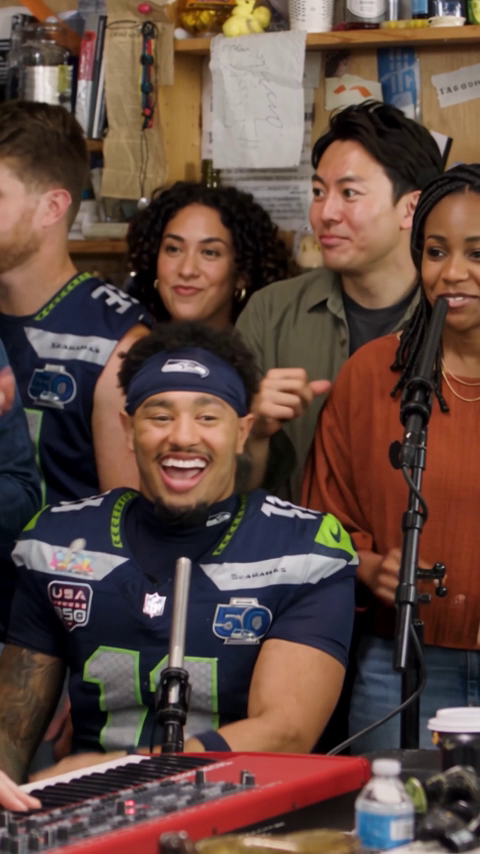 ORIGINAL REFERENCE FRAME
Gold number = replacement selected. The number follows the original person, not their later screen position.
02 / MATCH EACH ORIGINAL PERSON
0 of 8 roles set to replace.
Every other role stays original.
Use one consenting adult per photo, facing forward with clear eyes. JPG, PNG or WebP up to 5 MB; 301–5999 pixels per side. Photos are resized locally. You can use the same photo for more than one role.
Opening group
Front center at the keyboard in the opening shot.
Opening group
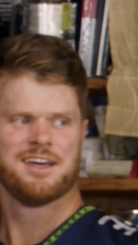
At the far left of the opening shot. Part of the head is outside the original frame.
Opening group · Singer close-up
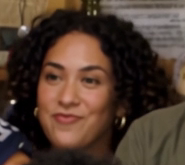
Behind the keyboard lead; also visible at the left edge of the singer close-up.
Opening group · Singer close-up
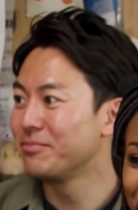
Behind the keyboard lead on the right; also visible behind the close-up singer.
Opening group
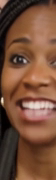
Orange top and braids beside the microphone. The original frame crops part of this head.
Singer close-up
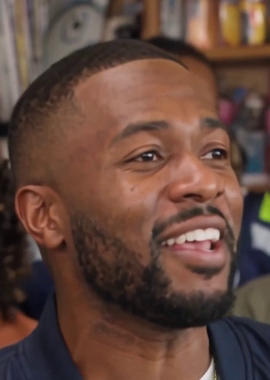
The singer in the navy jacket in the second shot. Assign this role separately from the keyboard lead.
Saxophone close-up
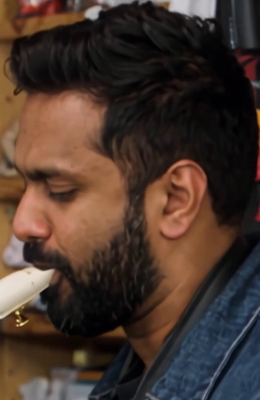
The performer in the denim shirt in the final shot. Assign this role separately from the opening singers.
Singer close-up
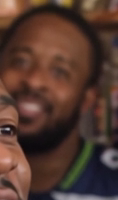
Partly obscured and out of focus behind the close-up singer. Kept separate because the match to an opening role is uncertain.
03 / CHECK YOUR ASSIGNMENTS
Your photos and assignments are saved only in this browser for 24 hours after your last edit. They are not uploaded for generation. Use only adult photos you have permission to use.