OUTSTANDING TINY DESK AI / PHOTO TIPS
Best Photos for Tiny Desk AI: Faces, Light and Framing
Choose clear portraits for Outstanding Tiny Desk AI, with practical advice on lighting, glasses, hair, cropping and role assignment.
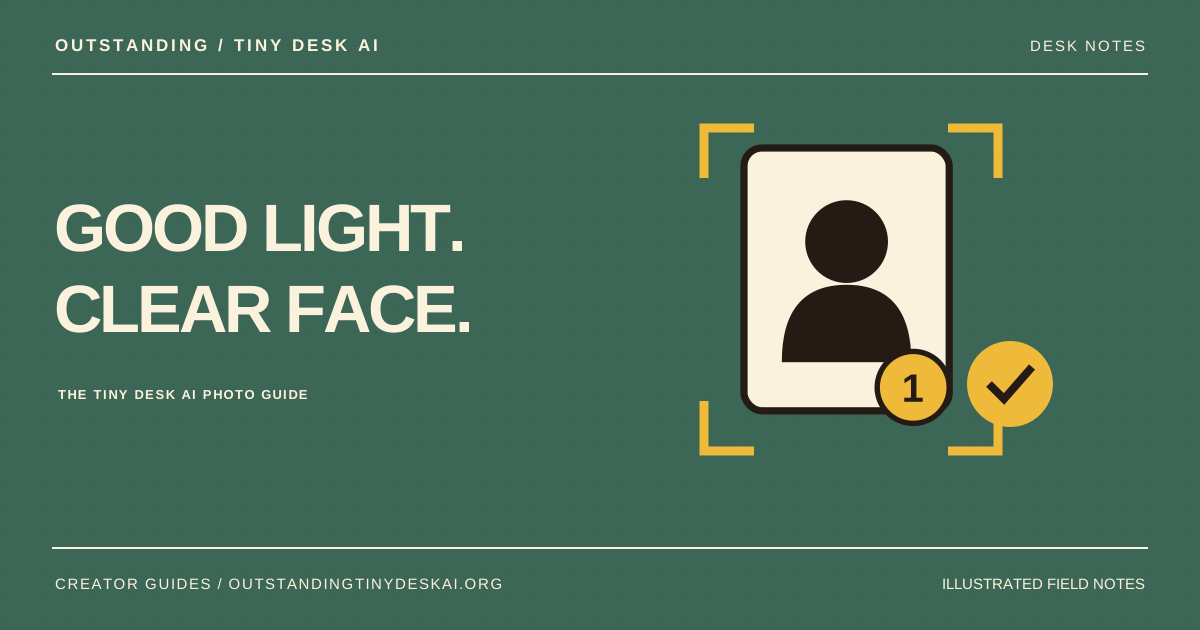
Use one consenting adult per photo, with even light, visible eyes and enough space around the head. For Outstanding Tiny Desk AI, prepare all five portraits before requesting a paid AI first frame.
Start with a clear portrait for each Tiny Desk AI role
The best photo for Tiny Desk AI is one in which you can quickly recognize the person without zooming into a tiny face. Choose an original portrait with the whole face visible, rather than a distant group shot or a heavily compressed screenshot. Include a little space around the hair and chin.
Use one consenting adult per image. A second face in the background introduces ambiguity about which person belongs in the AI concert video. If your only usable photo is a group picture, crop a copy around the intended person while keeping enough real image detail to meet the upload requirements.
One adult · visible eyes · even light · room around the head
Tiny faces · heavy filters · deep shadows · several people
Choose even light and an easy-to-read face angle
For Outstanding Tiny Desk AI, start with a front-facing portrait or a small natural turn. A strong side profile hides features that the generation model may need to infer. A neutral or relaxed expression is easier to compare with the generated first frame than a face partly covered by a hand.
Soft, even lighting keeps both sides of the face visible. Avoid deep shadows across the eyes, blown-out highlights and colorful filters that change skin detail. If you have several possible portraits, compare them at the same size and choose the one with the clearest eyes and facial outline.
Keep hair, glasses and recognizable details visible
Hair and glasses often matter as much as face shape when friends recognize someone in a Tiny Desk AI video. Leave the hairline in the crop and avoid covering the face with a hat brim. Clear everyday glasses can be part of the reference, but glare or dark sunglasses can obscure the eyes.
Check these same details again in the AI first frame. If glasses disappear or a hairstyle changes noticeably, decide whether you want another first frame before paying for the video step. A new frame costs another 10 credits; it is a fresh generation attempt, not a guaranteed correction.
Check Tiny Desk AI photo sizes before uploading
Outstanding Tiny Desk AI prepares resized photos for the generation workflow. Uploading an enormous image is not a substitute for a clear face. If your photo fails a size check, export a smaller copy from your photo editor and keep the original for your own records.
- File type: JPG, PNG or WebP.
- File size: no more than 5 MB per photo.
- Dimensions: each side must be 301–5,999 pixels.
- Shape: avoid very wide panoramas or extremely narrow crops.
- Cast: prepare five separate photos for the currently available whole-band session.
Review all five Tiny Desk AI portraits together
Place each photo in its named role and use the free photo-framing view to check the files and crops. This browser view does not show how the AI will combine the group. It is a useful final check before requesting the 10-credit first frame.
Try to give all five people a similarly clear reference. One dark, distant or filtered portrait can be much harder to judge than four clean headshots. After the AI frame arrives, compare each generated face with its own source photo instead of approving the group at a glance.
Good inputs improve the starting conditions for an AI concert video, but no photo choice guarantees exact likeness or motion. Keep the first attempt simple, check the full result and use the same deliberate review process when you create your next Outstanding Tiny Desk AI concert.
A product guide from Outstanding Tiny Desk AI. Illustrations explain the workflow; they are not generated customer results. Product details checked against the current website on October 27, 2026.