OUTSTANDING TINY DESK AI / START HERE
What Is Tiny Desk AI? A Guide to AI Concert Videos
Understand the Tiny Desk AI format, what Outstanding Tiny Desk AI makes, and what to expect from your photo-to-concert video.
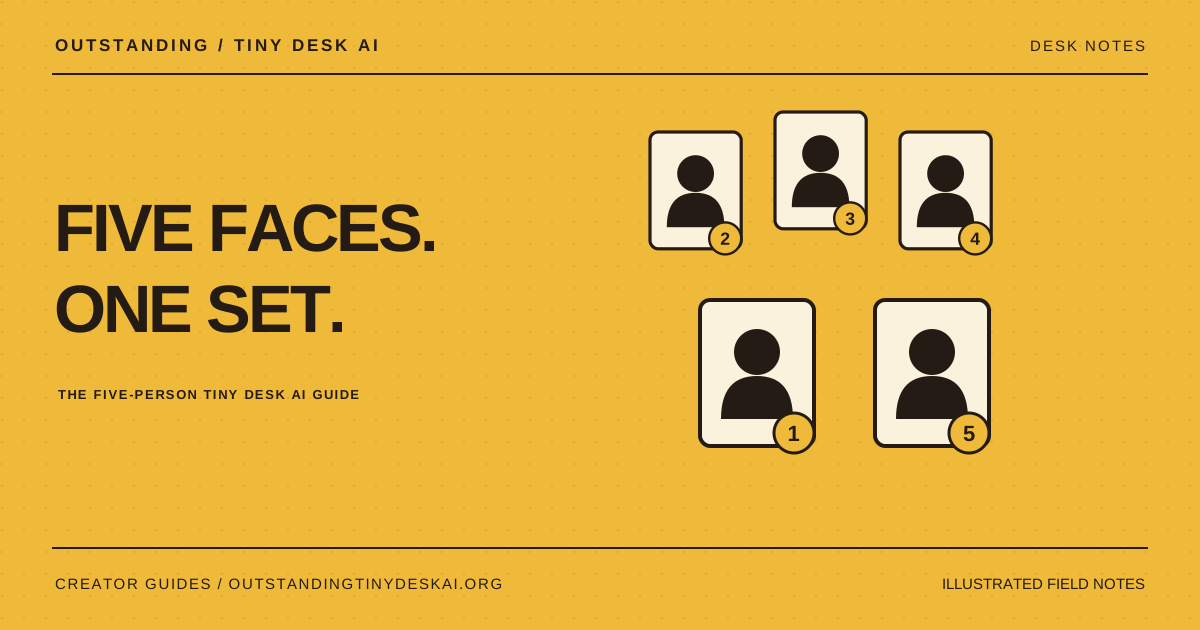
Tiny Desk AI describes a desk-style AI performance made from photos. Outstanding Tiny Desk AI currently turns five portraits into a 15-second, vertical 720p concert, with an AI first frame you review before video generation.
What does a Tiny Desk AI concert look like?
The Tiny Desk AI format places familiar faces into an intimate band-performance scene: a small desk, closely grouped performers and a compact stage. The appeal is recognition. Your friends become the cast of a short AI concert video that feels made for the group chat.
This is an AI interpretation of a performance format. A photo supplies visual information about a person, while the generation workflow creates the scene and motion. A Tiny Desk AI video is not a recording of those people performing, and it should be shared as an AI-generated creation.
What does Outstanding Tiny Desk AI make?
Outstanding Tiny Desk AI is an independent creative tool for making personalized AI concert videos. The currently available generation session is The whole band: five uploaded portraits, an AI first frame, and a 15-second 720p video in vertical 9:16 format. The video is delivered as an MP4 with sound.
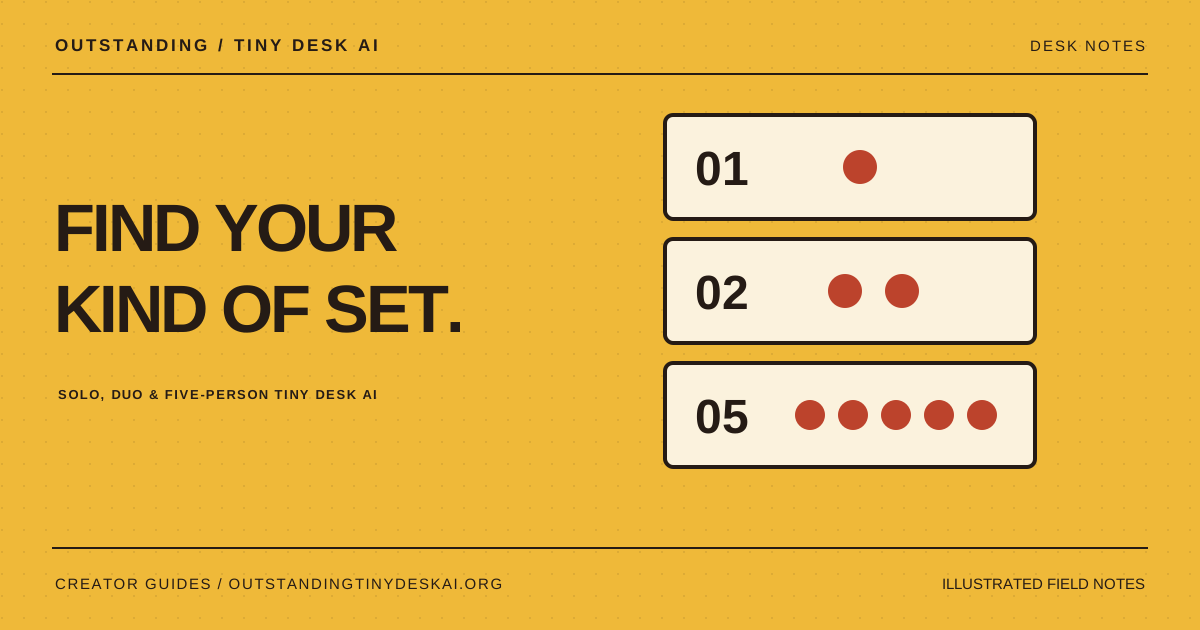
Before generating the video, you review the first-frame image and confirm that you want to continue. That review point helps you check the starting cast and composition. Other solo and duo sessions are visible as reference previews; they are not currently available for generation.
How do photos become an AI concert video?
First, choose five clear portraits and match them to the named roles. Then sign in, confirm that you have permission to use the photos, and request the AI first frame. After inspecting the faces and arrangement, approve the frame to start the video step.
Outstanding Tiny Desk AI uses Seedance for the video generation workflow. The model synthesizes motion from the supplied visual inputs; likeness, gestures, hands and lip sync can vary. Reviewing the first frame improves your ability to decide whether to proceed, but does not guarantee a perfect final performance.
Can I try Tiny Desk AI before buying credits?
You can browse the website, watch reference clips and try photo framing without paying for an AI render. Photo framing is a local crop preview, not a generated concert image or a free completed video. The reference clips are identified as third-party examples rather than results produced by Outstanding Tiny Desk AI.
A complete five-person concert uses 100 site credits: 10 for one AI first frame and 90 for the video after approval. One-time packs start at $9.90 for 100 credits. There is no subscription or automatic renewal. Extra first-frame attempts use additional credits, so the number of complete videos depends on how those credits are spent.
What should I know before making a Tiny Desk AI video?
Choose people who are happy to take part, inspect the finished result and explain that it is AI-generated when sharing. Do not present the video as evidence of a real performance or endorsement. Clear portraits help the model, but they cannot remove every generation artifact.
Outstanding Tiny Desk AI is not affiliated with NPR, Tiny Desk Concerts or any artist. Watching a reference or purchasing credits does not grant rights to the original concert or song. For a first attempt, focus on a cast you can identify easily, a first frame you have checked carefully and a short video you review from start to finish.
A product guide from Outstanding Tiny Desk AI. Illustrations explain the workflow; they are not generated customer results. Product details checked against the current website on October 27, 2026.