OUTSTANDING TINY DESK AI / SHARING
How to Share Your Tiny Desk AI Video on TikTok and Instagram
Download your Outstanding Tiny Desk AI MP4, review the 720p vertical video, and prepare a clear, thoughtful post for your friends or followers.
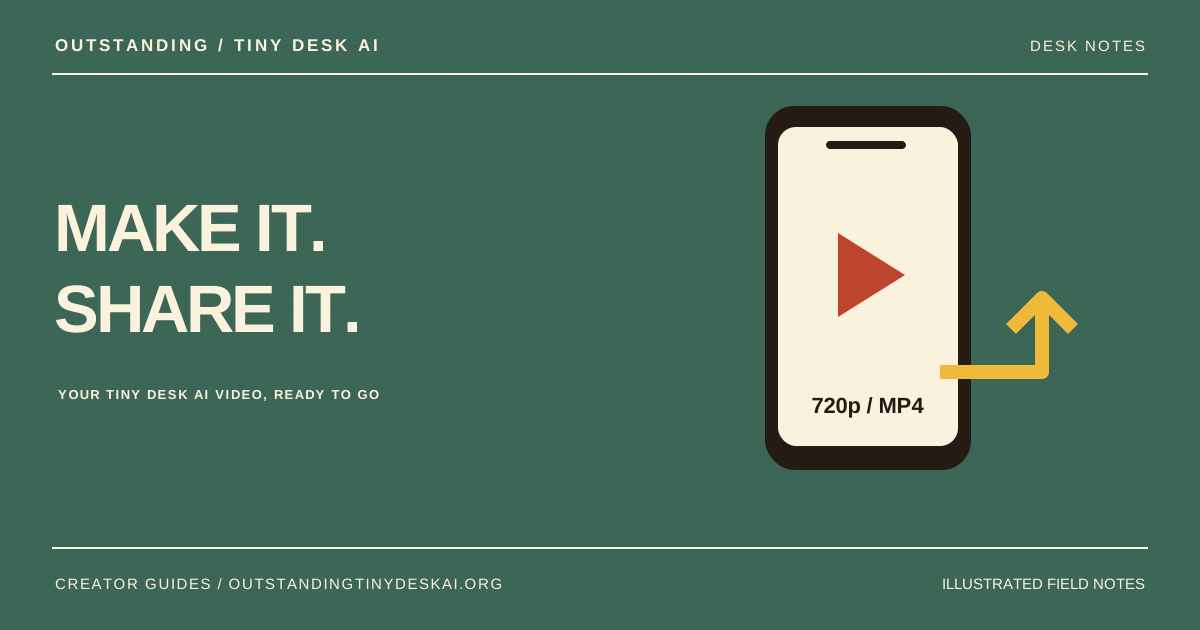
Download the original 720p MP4, watch the full concert with sound and check the cast before uploading. Outstanding Tiny Desk AI produces a vertical 9:16 video; keep a backup and make clear that your post is AI-generated.
Download your Outstanding Tiny Desk AI MP4
When the job completes, open My videos and download the finished file. The available whole-band Tiny Desk AI concert is a 15-second 720p MP4 in vertical 9:16 format with sound. Save that original file before making any edits for a social post.
Use the downloaded MP4 rather than a screen recording of the website. A screen recording may capture interface elements, notifications or playback interruptions. Keeping the original also lets you make a new edit later without repeatedly exporting an already compressed copy.
Give your Tiny Desk AI concert one full playback
Watch from the opening frame through the ending with sound turned on. Check that everyone in the cast is comfortable with the result, that recognizable details have survived and that no obvious face changes or hand artifacts distract from the performance.
If you are posting a five-person AI concert video, check the full group. A small face in the background can be easy to miss on the first watch. Do not share someone’s likeness simply because they sent you a photo for another purpose; make sure their permission covers this creation and its intended audience.
Keep the five-person Tiny Desk AI cast in frame
The current output is already vertical 9:16, so start with the original framing when preparing a TikTok or Instagram post. Preview the upload inside the destination app and check where its interface or your added captions cover the video. Keep essential text away from faces.
If you crop or zoom, review the lead singer and the outer performers again. A crop that highlights one person may cut another person out. Exporting a 720p source at a larger size does not recreate missing detail; choose editing settings that preserve the original composition and avoid unnecessary repeated exports.
Describe your AI concert video clearly
Use a caption that explains the joke without pretending the performance happened. For example: “Our group chat got a tiny stage. Made with Outstanding Tiny Desk AI.” Include a clear AI-generated description and check the destination platform’s current labeling options when you post.
Listen to the exported audio before publishing. Outstanding Tiny Desk AI does not grant a license to the original concert or commercial song shown in a reference. If you replace or add music in another app, choose audio you are allowed to use for that post and account type. Check the platform’s current rules directly, especially for promotional content.
Keep a copy of your Tiny Desk AI video
Completed videos are saved privately in your Outstanding Tiny Desk AI account until you delete them. Download a backup for your own records. Deleting a saved video removes our stored copy and its history; it does not remove a copy you have already downloaded or posted elsewhere.
For a group-chat version, share the file with the people who took part before posting it more widely. This gives everyone a chance to see the finished AI concert video and flag a problem. When you are ready for another take, return to the studio with five clear portraits and repeat the first-frame review.
A product guide from Outstanding Tiny Desk AI. Illustrations explain the workflow; they are not generated customer results. Product details checked against the current website on October 27, 2026.